Features
Event QR Engagement — Turn every product into a focused conversation
At Outgrid, we are committed to providing a seamless and convenient electric vehicle rental experience.
The problem at media trade shows
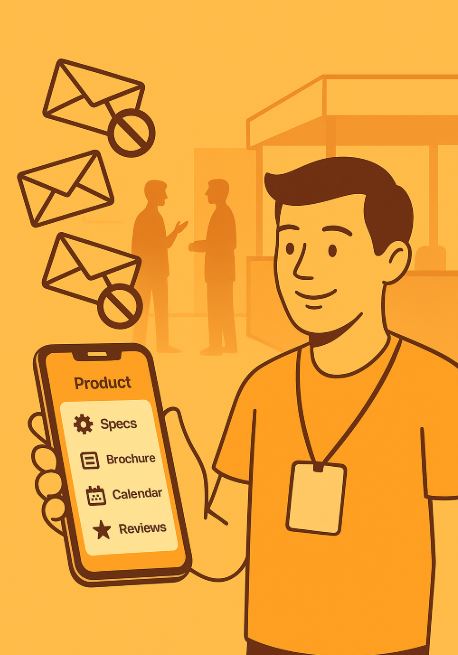
You know the routine: you walk the aisles, badges get scanned at every booth, and a few days later your inbox is overflowing with broad-brush newsletters and endless product pitches.
Visitors drown in irrelevant emails and quickly tune out.
Companies have no idea which product you actually cared about, so their follow-ups feel random.
Booth staff can’t meaningfully engage everyone, so genuine prospects slip through the cracks.
The result? Missed opportunities on both sides and marketing resources sprayed, not focused.
Skedly’s answer: Product-specific Event QR Engagement
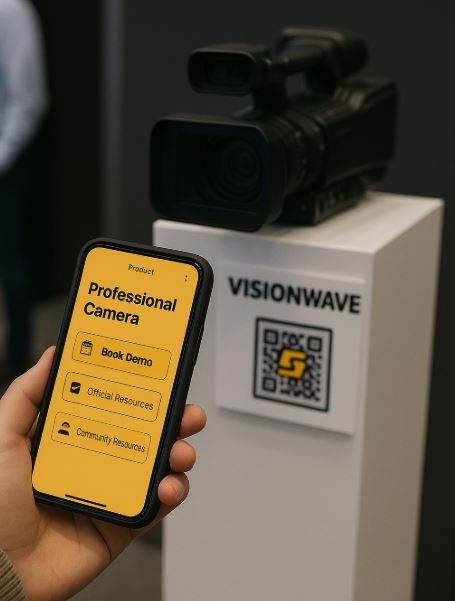
With Skedly, each product you list automatically receives a unique, smart QR code. Exhibitors simply display that code—on a screen, a placard, or the product itself—and let the visitor take the lead.
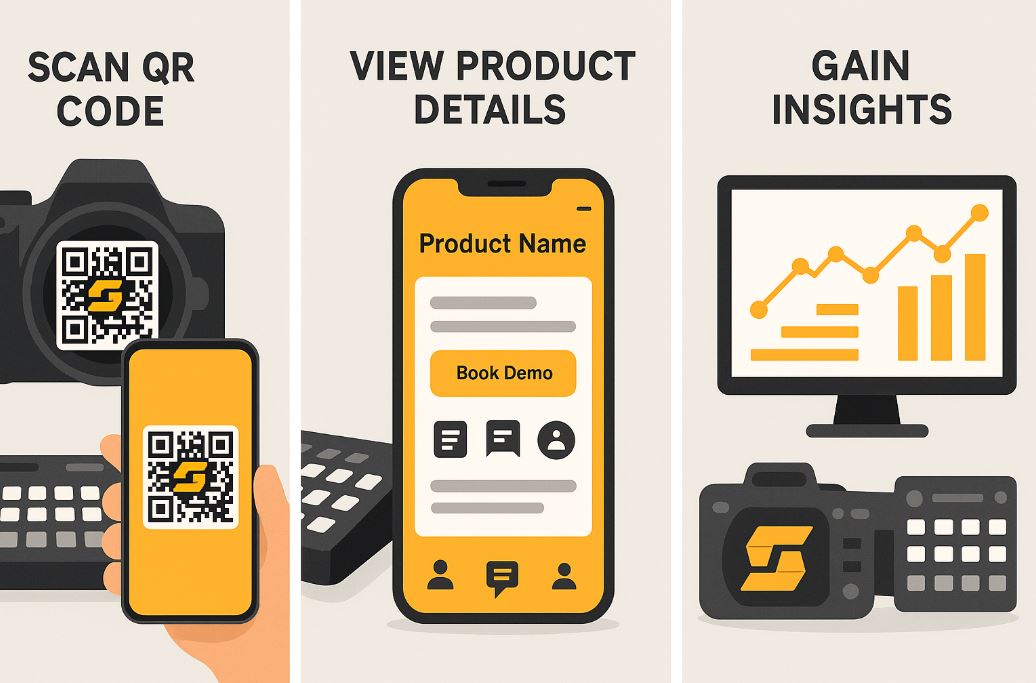
Scan – A visitor points the Skedly mobile app at the QR.
Discover – The app opens the product’s dedicated profile: specs, videos, pricing tiers, customer reviews, and FAQs.
Act – From the same page they can:
Book a live or virtual demo slot
Save the product to their event briefcase
Connect with real-world users and community resources
Share instant feedback with your team
Behind the scenes, Skedly records exactly which product sparked interest, giving your marketing and sales teams clean, segmented data instead of a single “booth visit” blob.

Why companies love it
Hyper-focused follow-up – Email workflows trigger only for visitors who scanned that specific product.
Live interest analytics – See which models, bundles, or features drew the most scans—while the show is still running.
Better booth flow – Staff can prioritize hot prospects who’ve already self-qualified, instead of scanning every badge in sight.
Measurable ROI – Track scans-to-demos-to-deals all inside Skedly’s dashboard.
Ready to replace badge-scan chaos with signal-rich engagement?
List your products in Skedly today and make every scan the start of a targeted, data-driven conversation.
Getting started
Add or import your products into Skedly.
Download the auto-generated QR codes (PNG, SVG, or print-ready PDF).
Display them on signage, screens, table tents—anywhere a curious visitor can point their phone.
Watch the data roll in during the event and fine-tune outreach in real time.